To Do
Updated February 24, 2026
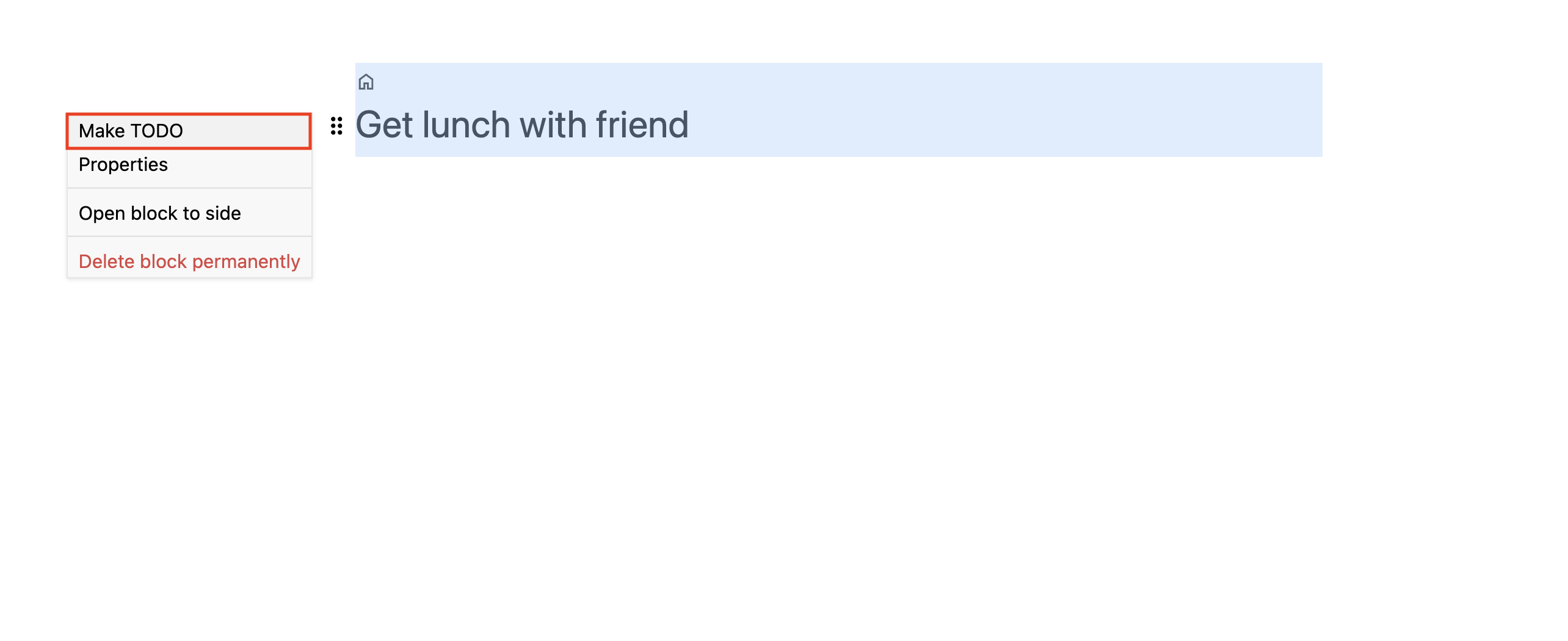
You can make a text node a to-do item by opening the node context menu and selecting Make TODO. This adds a checkbox to the text node.
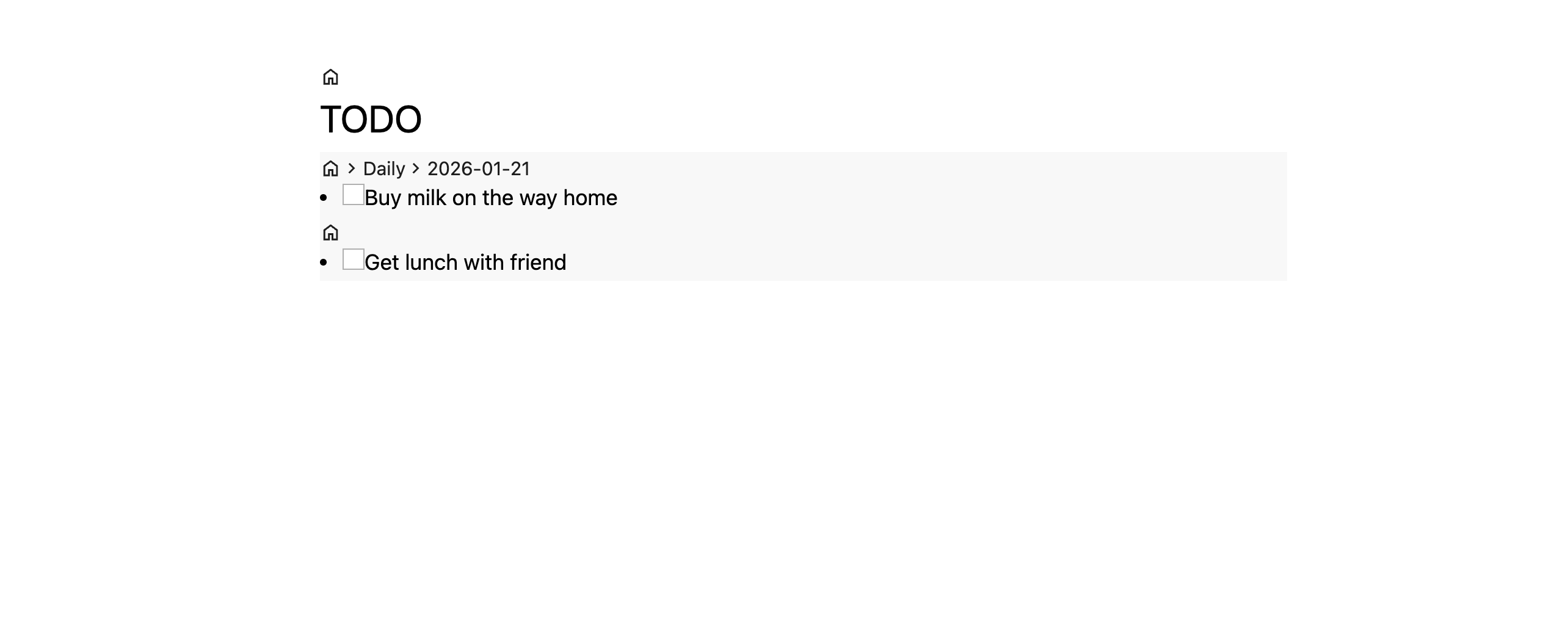
An empty checkbox acts like a tag to a built-in node called TODO. You can view all your to-do items by opening the TODO node.
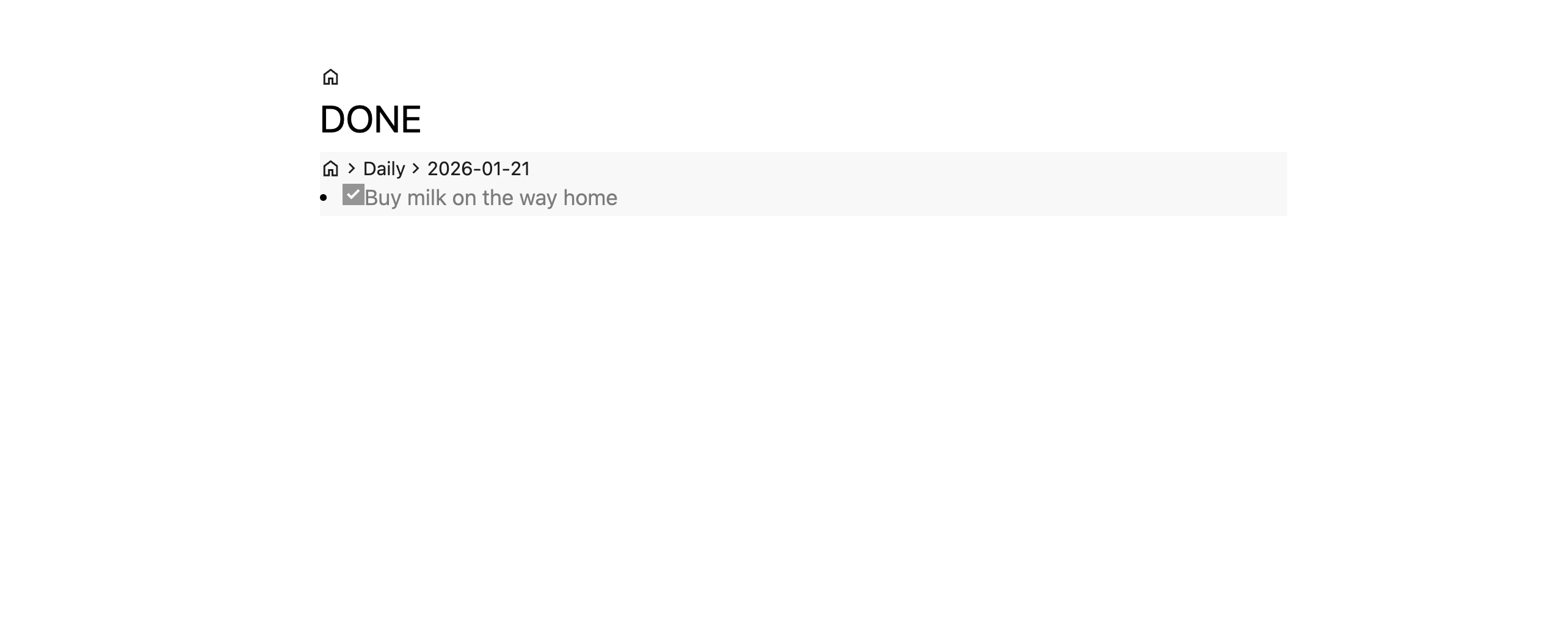
A completed checkbox acts like a tag to another built-in node called Done.