Rich Text
Updated February 24, 2026
You can add rich text using Markdown-like syntax. Add italic text by typing wrapping text around *:

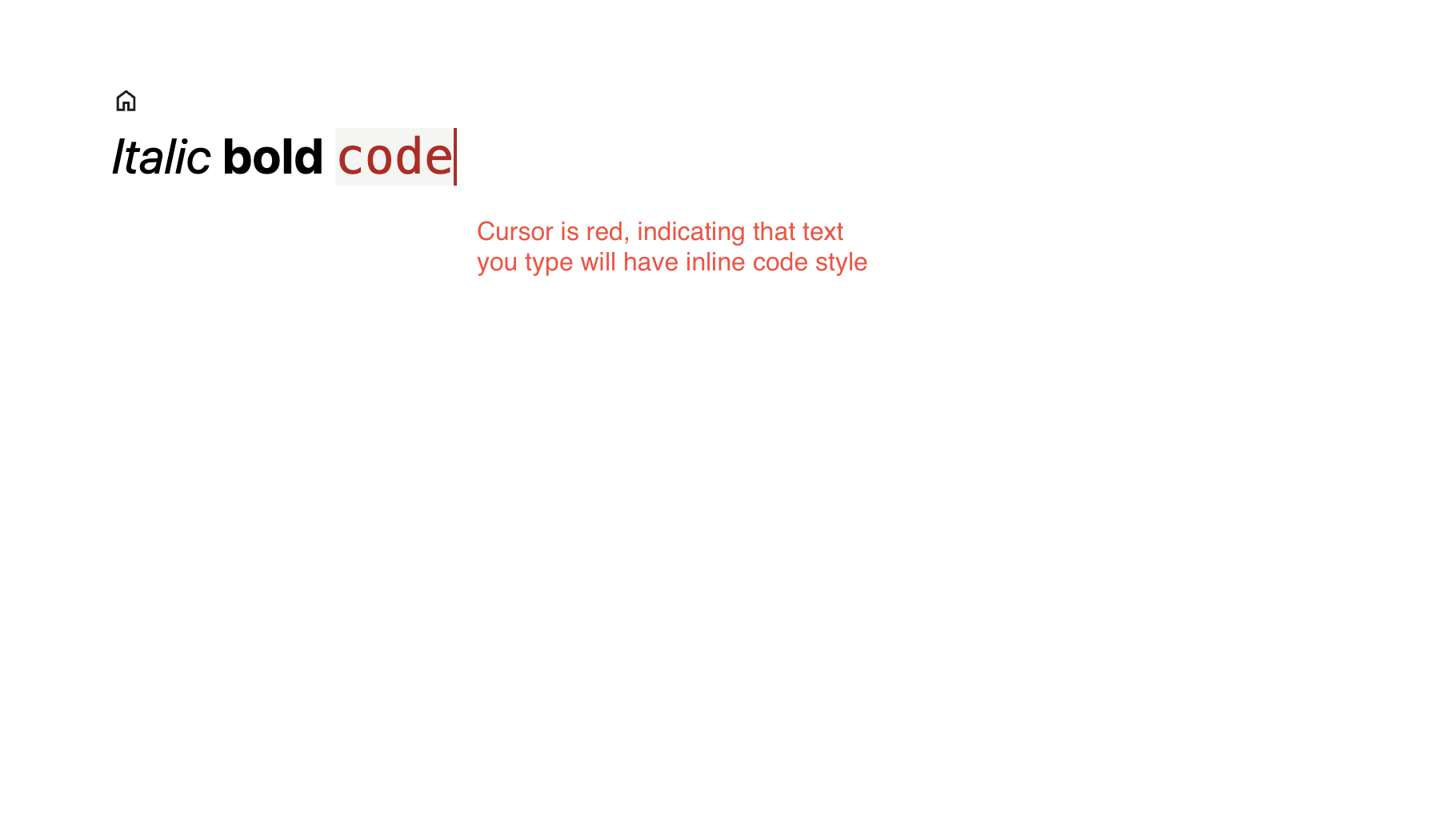
Similarly, you can add bold and inline code style by wrapping text around ** and ` (backtick), respectively.
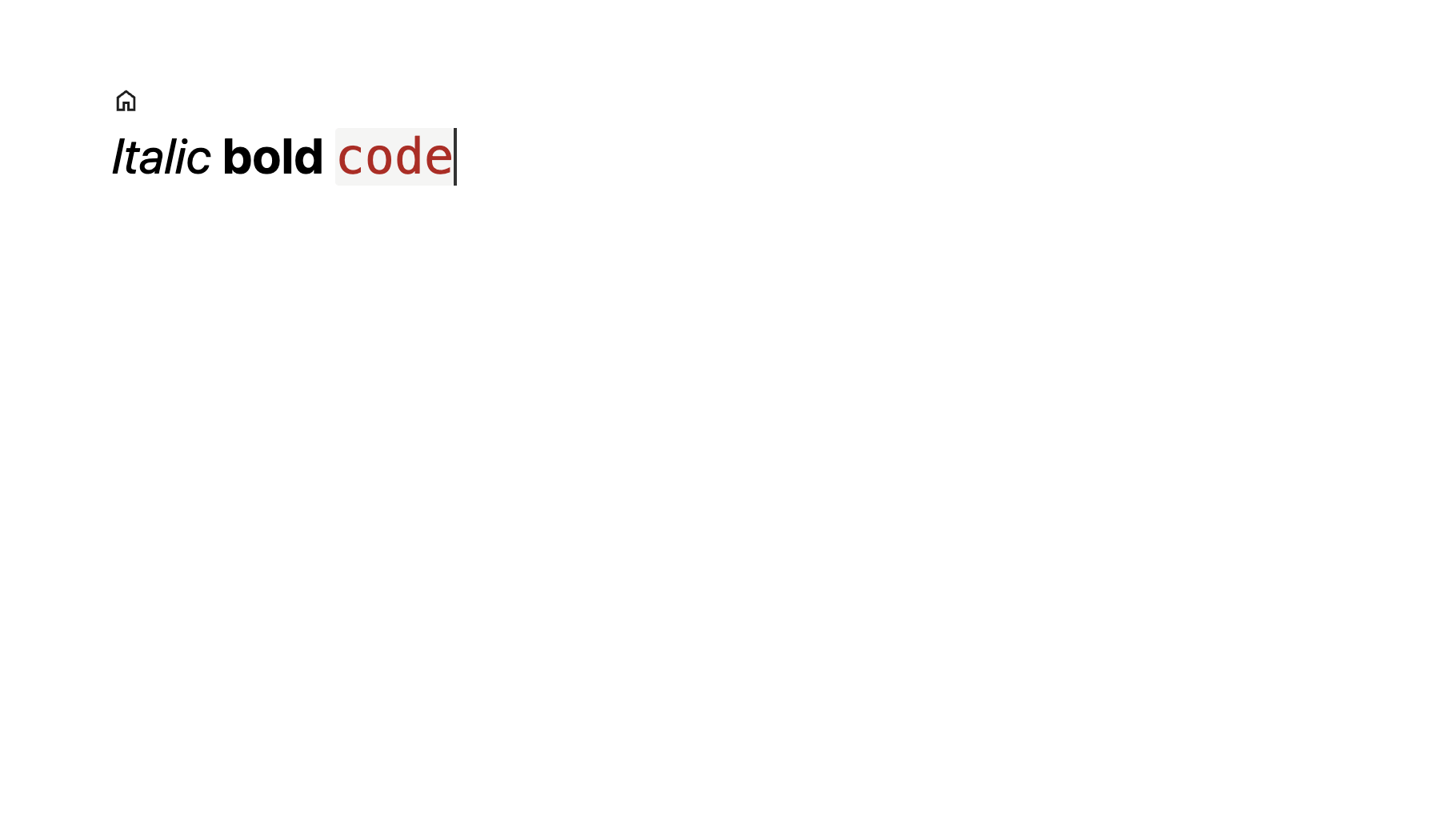
When your cursor is positioned next to a styled text and you start typing, you will add unstyled text by default. You can extend an existing styled text by "going into" the styled text by pressing the left or arrow key.